
Download Greasemonkey – Free Firefox Script Manager & Customizer
Overview
Greasemonkey is a powerful, free Firefox extension that lets you reshape the web to fit your personal workflow. By injecting custom JavaScript into any webpage, Greasemonkey empowers both casual users and seasoned developers to modify layout, automate repetitive tasks, and add features that were never imagined by the original site designers. The core idea is simple: find a script that solves a problem you have, click “Install,” and watch the site transform instantly. From turning YouTube’s dark theme on with a single click to adding bulk‑download buttons on Facebook photo albums, Greasemonkey’s library of community‑written scripts covers a surprisingly broad spectrum of use‑cases.
The extension is built with security in mind. Each script runs in a sandboxed environment, meaning it can only interact with the page you’ve granted it permission to modify. This protects your browsing data from malicious code while still offering the flexibility to personalize your favorite web apps. Greasemonkey also integrates seamlessly with the Firefox add‑on manager, allowing you to enable, disable, or uninstall scripts with a few clicks. For users who enjoy tinkering, the built‑in script editor provides a convenient place to write, test, and debug your own JavaScript without leaving the browser.
Beyond aesthetics, Greasemonkey can boost productivity. Automate form filling, filter out unwanted ads, speed up page loading, or even create custom shortcuts that trigger actions across multiple sites. Because the scripts are written in plain JavaScript, anyone with basic programming skills can start customizing immediately, and the extensive online repository offers ready‑made solutions for almost every niche. Whether you’re a student looking to streamline research, a marketer wanting to extract data faster, or just a power user who hates default UI designs, Greasemonkey provides a secure, free, and highly adaptable toolset for the modern web.
Key Features
- Extensive Script Repository: Access thousands of community‑created scripts for popular sites such as YouTube, Gmail, Reddit, and more.
- In‑Browser Script Editor: Write, edit, and debug JavaScript directly within Firefox without needing external tools.
- Granular Enable/Disable Controls: Turn individual scripts on or off per site, per tab, or globally with a single click.
- Secure Sandbox Execution: Scripts run in an isolated environment, protecting your data and preventing cross‑site attacks.
- Automatic Update Alerts: Receive notifications when installed scripts have newer versions, ensuring you stay up‑to‑date.
- Cross‑Platform Compatibility: Works on Windows, macOS, and Linux versions of Firefox, making it a universal tool for desktop browsers.
- Customizable Keyboard Shortcuts: Assign hotkeys to trigger scripts instantly, streamlining repetitive workflows.
- Open‑Source Community Support: Contribute to the project, report bugs, or request features through GitHub.
Each of these features is designed to make the process of customizing web pages as frictionless as possible. For instance, the built‑in script editor offers syntax highlighting, line numbers, and instant preview, so you can see the impact of your changes in real time. The sandbox model not only protects your personal information but also isolates each script, preventing accidental interference between multiple scripts running on the same page. This is especially useful for power users who stack several scripts to achieve a complex workflow.
Greasemonkey’s automatic update system ensures that you’re never left with outdated code that could break after a site redesign. When a script author publishes a newer version, Greasemonkey flags it in the add‑on manager, allowing you to update with a single click. This reduces maintenance overhead and keeps your browsing experience smooth. The ability to assign keyboard shortcuts adds another layer of efficiency; imagine pressing “Ctrl+Shift+Y” to toggle a dark mode script on any site without navigating through menus. All of these capabilities combine to make Greasemonkey a versatile, secure, and free tool that turns Firefox into a truly customizable web platform.
Installation, Usage & Compatibility
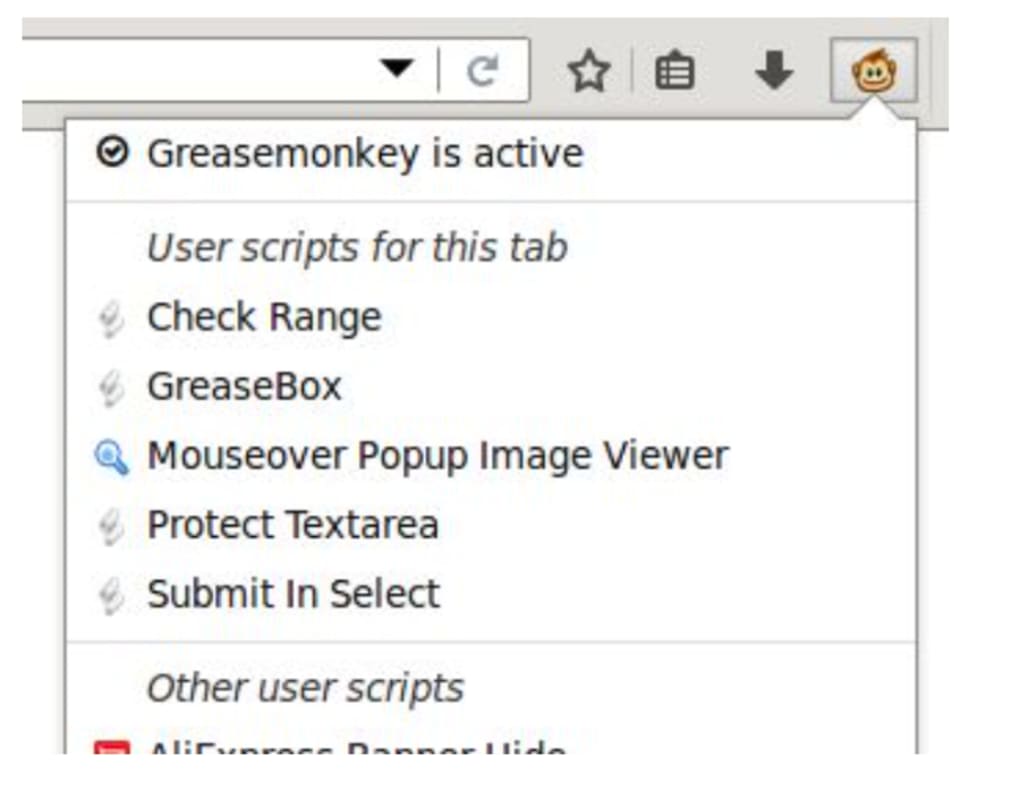
Getting started with Greasemonkey is straightforward. First, ensure you have the latest version of Firefox installed on your computer—whether you’re on Windows, macOS, or Linux. Open the Firefox Add‑Ons Marketplace, search for “Greasemonkey,” and click the Add to Firefox button. The extension will download securely, and after a brief verification, you’ll be prompted to restart the browser to complete the installation. Once active, a small monkey icon appears in the toolbar, indicating that Greasemonkey is ready to manage scripts.
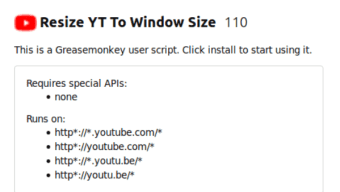
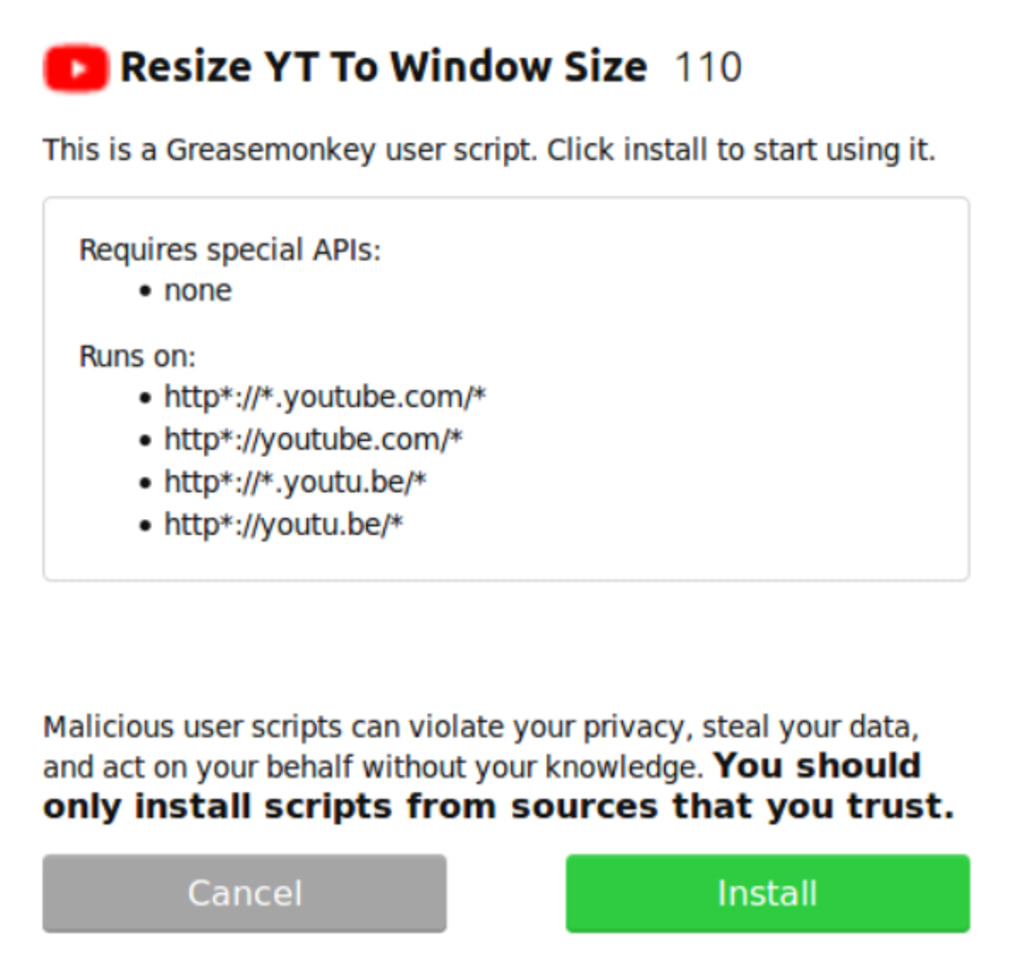
To install a script, simply browse a reputable script repository such as Greasy Fork or the official Greasemonkey forum. When you find a script that matches your need—say, a “YouTube Dark Theme” script—click the “Install this script” button. Greasemonkey will display a preview screen summarizing the script’s purpose, permissions, and source code. After confirming, the script is saved to your local library and automatically applied to the matching webpages. You can manage all installed scripts by clicking the toolbar icon, which opens a dashboard where scripts can be enabled, disabled, edited, or removed.
Because Greasemonkey is built as a Firefox extension, it inherits the browser’s cross‑platform compatibility. The extension runs equally well on Windows 10/11, macOS Ventura and later, and popular Linux distributions like Ubuntu and Fedora. While Greasemonkey itself is not available for mobile browsers, the underlying technology—user scripts—has equivalents in mobile extensions such as “Tampermonkey” for Android’s Firefox and iOS’s Safari, allowing a consistent experience across devices. Additionally, Greasemonkey updates automatically through Firefox’s add‑on update mechanism, ensuring you always have the latest security patches and feature improvements.
Using Greasemonkey effectively involves a bit of planning. Start by identifying repetitive tasks or UI elements you wish to change. Search the script libraries for existing solutions; if none exist, you can write your own JavaScript.
The in‑browser editor provides a sandboxed environment where you can test changes without affecting other sites. Remember to review script permissions carefully—any script that accesses your personal data should come from a trusted source. With these best practices, Greasemonkey becomes a secure, free, and highly customizable tool that adapts any website to your exact preferences.
Pros, Cons, FAQ & Conclusion
Pros
- Free and open‑source, no hidden fees.
- Highly secure sandbox execution protects user data.
- Vast library of community‑created scripts for countless websites.
- Built‑in editor enables quick creation and debugging of custom scripts.
- Cross‑platform support for Windows, macOS, and Linux.
- Automatic script updates keep your customizations current.
Cons
- Only available for the desktop version of Firefox; mobile users need alternative extensions.
- Learning curve for users unfamiliar with JavaScript.
- Heavy reliance on third‑party scripts may introduce maintenance overhead.
Frequently Asked Questions
Is Greasemonkey safe to use?
Yes. Greasemonkey runs each script in a sandboxed environment, preventing scripts from accessing data outside the page they modify. However, always install scripts from reputable sources to avoid malicious code.
Can I write my own scripts without any programming experience?
Basic JavaScript knowledge is helpful, but many beginner‑friendly tutorials and example scripts are available online. The built‑in editor also offers syntax highlighting and error messages that aid learning.
Does Greasemonkey work on other browsers?
Greasemonkey is designed specifically for Firefox. For Chrome, Edge, or Safari, similar extensions like Tampermonkey or Violentmonkey provide comparable functionality.
How do I update a script that stops working after a website redesign?
Check the script’s page on Greasy Fork or the original author’s repository for updates. Greasemonkey will also display an update notification if a newer version is available. If not, you can edit the script manually using the built‑in editor.
Is there a paid version of Greasemonkey?
No. Greasemonkey is completely free. All features, including script management and updates, are available at no cost.
Conclusion & Call to Action
Greasemonkey stands out as a free, secure, and highly flexible Firefox extension that transforms the way you interact with the web. Whether you’re looking to apply a sleek dark theme, automate tedious tasks, or develop custom functionality for your favorite sites, Greasemonkey provides the tools and community support to make it happen. Its sandboxed architecture ensures safety, while the massive script repository offers instant solutions for virtually any need. Although it’s limited to desktop Firefox, the extension’s cross‑platform compatibility across Windows, macOS, and Linux makes it accessible to a broad audience.
Ready to take control of your browsing experience? Download Greasemonkey now and start customizing the web today. Unlock a world of possibilities—turn every website into a personalized tool that works exactly the way you want.
Greasemonkey offers a robust platform for both novice and advanced users to tailor their web experience. Its extensive script library, secure sandboxing, and seamless integration with Firefox make it a top choice for browser customization. While limited to desktop Firefox, the benefits far outweigh the minor drawbacks.







